Sofa context
Compare intended size with a living room layout.
Furniture augmented reality
SpaceCheck helps furniture businesses prepare 3D product assets for true-scale augmented reality. Give shoppers a clearer way to visualize a sofa, chair, table, or cabinet in the room where it may live.
Use real product dimensions for the intended scale. Review the 3D result before sharing it with shoppers.
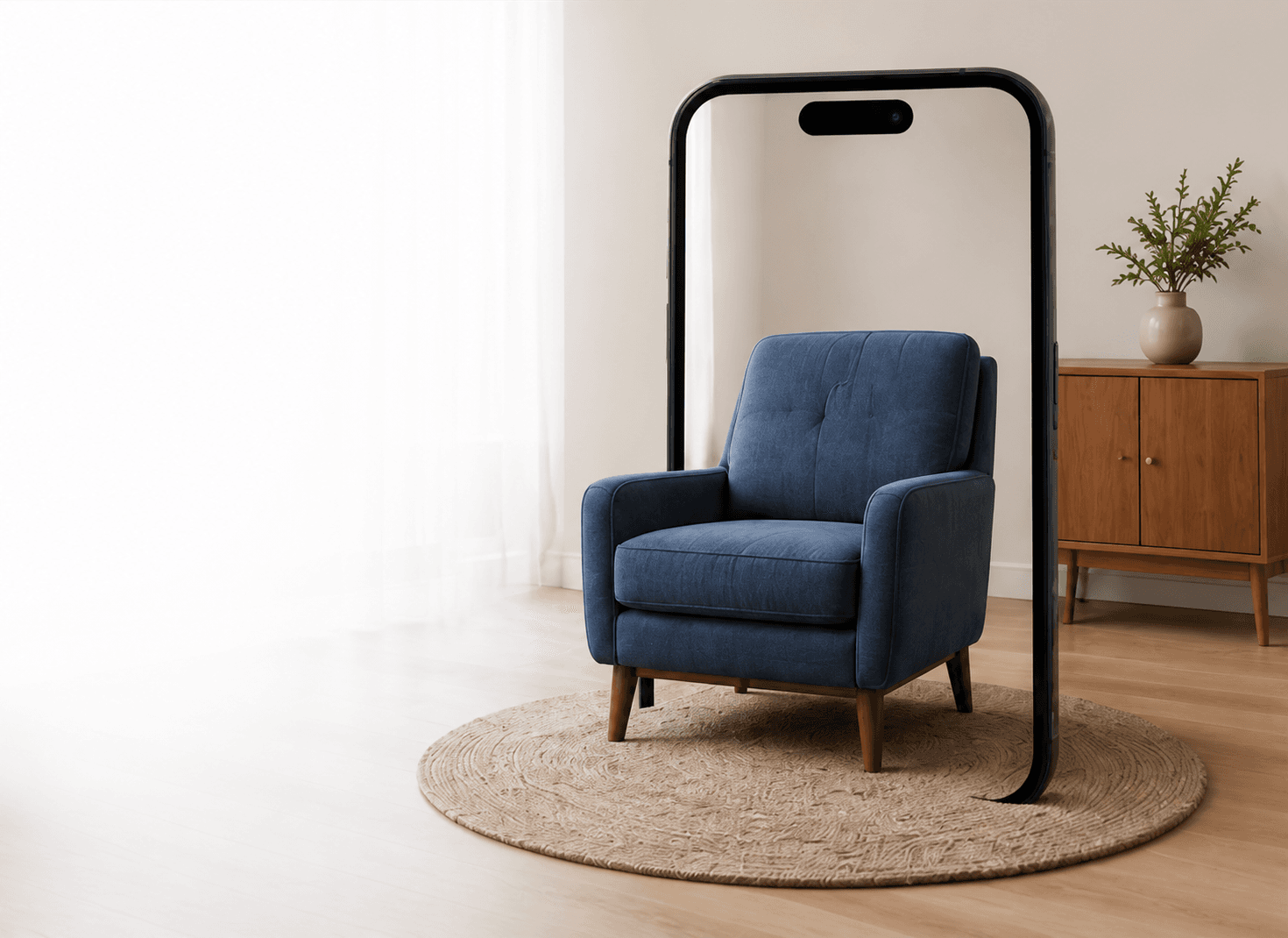
True-scale AR
Help shoppers check presence and placement in their own room.
What is furniture AR?
Furniture AR gives a shopper a way to place a digital representation of a product into their physical environment through a supported device. It moves product visualization beyond a flat gallery image without asking retail teams to change the product information they already manage.
For furniture businesses, the useful question is not only how a product looks—it is how its shape, scale, and footprint relate to the customer’s room.
Compare intended size with a living room layout.
See proportions alongside existing furniture.
Consider its footprint in a dining or work space.
Visualize placement before it becomes part of the room.
Scale starts with real dimensions
SpaceCheck uses the product’s supplied or confirmed Length × Height × Depth in the downstream workflow to establish intended physical scale. It does not claim to know exact real-world dimensions from a product photo alone.
Use the product measurements your team trusts as the basis for the AR-ready asset.
Inspect the 3D result privately before deciding whether it is ready for customers.
Help shoppers think about proportion, fit, and placement in a practical setting.
How SpaceCheck furniture AR works
The workflow keeps the practical decisions visible: source imagery, accurate product dimensions, a private review, and the supported channel you choose for shoppers.
Use the product photography your catalog team already manages.
Prepare a reviewable 3D representation of the furniture product.
Supply accurate Length × Height × Depth for the intended physical scale.
SpaceCheck prepares the asset for supported web 3D and AR workflows.
Use supported product links, QR codes, downloads, or Shopify workflows.
Shoppers can open the supported AR experience on a compatible device.
Built for furniture ecommerce
A product image alone cannot show every room context. Furniture AR can help shoppers consider a product’s presence and placement before they decide, while giving catalog teams a stronger product presentation for supported channels.
Use supported links and QR-code experiences once a model is ready to use.
Use iPhone Quick Look with USDZ and the existing Android supported viewer workflow on compatible devices.
A dedicated native app is not required for the supported web and QR-led experiences. Device, operating-system, browser, and viewer compatibility still apply.
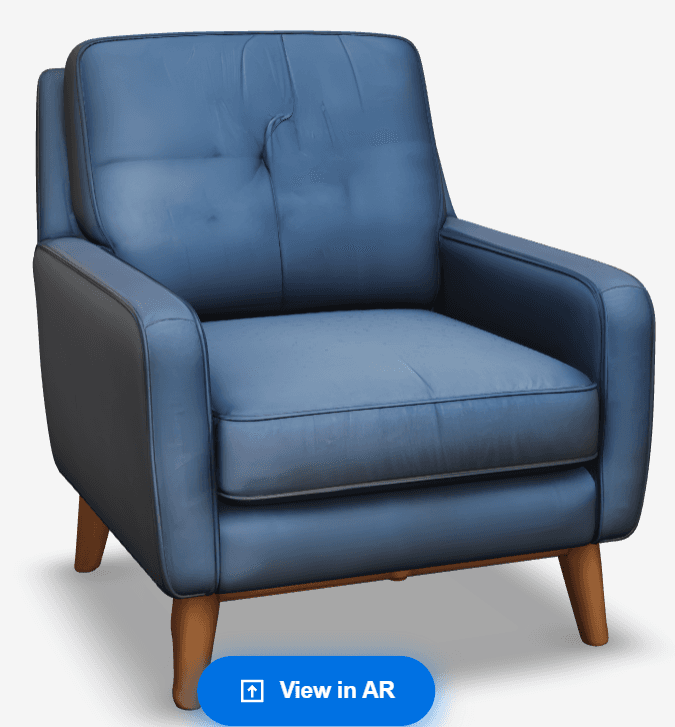
From furniture photo to AR
Furniture AR begins with a usable 3D asset. When your catalog does not have one yet, SpaceCheck can help you start from a clear product image, then add and confirm the dimensions needed for the intended AR scale.
Create a 3D model from a furniture photoUse prepared product assets within supported Shopify workflows where the integration fits your catalog and store setup.
Talk to our team about your workflowWho furniture AR is for
Common questions
Furniture AR is an augmented-reality product experience that lets a shopper place a digital 3D representation of furniture into their physical surroundings through a supported device.
A 3D furniture asset is prepared for a supported AR workflow. A shopper opens the experience from a product link, QR code, or compatible viewer, then uses their device to see the item in their space.
SpaceCheck uses supplied or confirmed Length × Height × Depth in the downstream workflow to establish the model’s intended physical scale. It does not claim to infer exact measurements from a photo alone.
Yes. If your business does not already have a 3D asset, you can begin with a clear furniture product image and real dimensions, then review the generated model before using supported AR workflows.
SpaceCheck supports iPhone Quick Look with USDZ and Android AR through the existing supported viewer workflow. Availability depends on the shopper’s compatible device and browser.
Furniture retailers can use SpaceCheck within supported Shopify workflows once a model is ready. The right setup depends on the retailer’s catalog and store configuration.
A dedicated native app is not required for the supported web and QR-led experiences. AR availability still depends on the device, operating system, browser, and viewer support.
Ready for a clearer product experience?
Start with the product information you already have, review the 3D result, and choose the supported experience that fits your catalog.
Create an AR-ready model