Furniture photo to 3D

Create a 3D Model From a Furniture Photo

Turn a furniture product image into a usable 3D asset for online visualization and true-scale AR. SpaceCheck helps retail, ecommerce, and catalog teams move from a photo to a reviewable model without changing the way they collect product details.

Start with a product photo. Add real dimensions for the intended AR scale. Review before you publish.

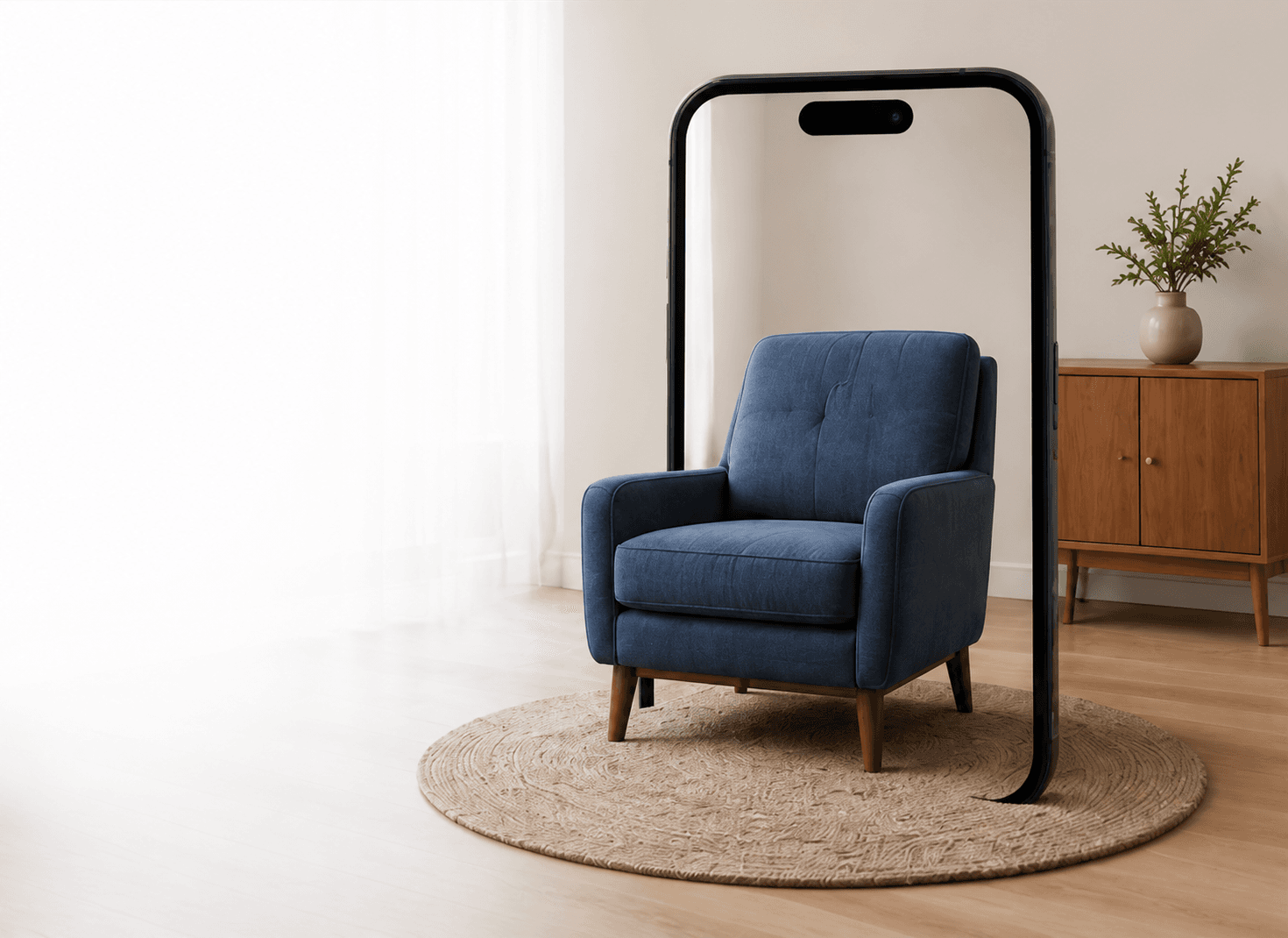
A SpaceCheck furniture model shown at true scale in augmented reality

True-scale AR

Built from your supplied dimensions

A practical photo-to-3D workflow

From a furniture photo to a model your team can review

SpaceCheck is designed around the product information furniture teams already manage: imagery, specifications, and the need to check an asset before it reaches customers.

  1. 01

    Upload a product photo

    Start with a clear furniture image that shows the product well.

  2. 02

    Add real dimensions

    Enter the product’s Length × Height × Depth for the intended physical scale.

  3. 03

    Generate and preview

    Review the generated 3D model privately before you decide to publish it.

  4. 04

    Use it in your workflow

    Prepare the model for web 3D, supported AR, sharing, QR, or Shopify workflows.

Made for furniture teams

Give product photos a clearer path to 3D and AR

Furniture buyers want more context than a flat product image can provide. A reviewable 3D model can help teams prepare a more interactive product experience while keeping control of the source photo and product dimensions.

  • Help shoppers understand product shape and presence before purchase.
  • Prepare models for browser-based 3D and supported AR workflows.
  • Keep product dimensions central to the intended physical scale.
  • Review generated results before sharing, downloading, or publishing.

Dimensions support true-scale AR

SpaceCheck uses the real Length × Height × Depth you provide to prepare the model for its intended scale. It does not claim to infer physical dimensions from an image alone.

Ecommerce and Shopify

Use 3D assets within the retail workflow, including Shopify where the integration is available.

Share and QR workflows

Prepare supported customer-facing links and QR-code experiences after a model is ready to use.

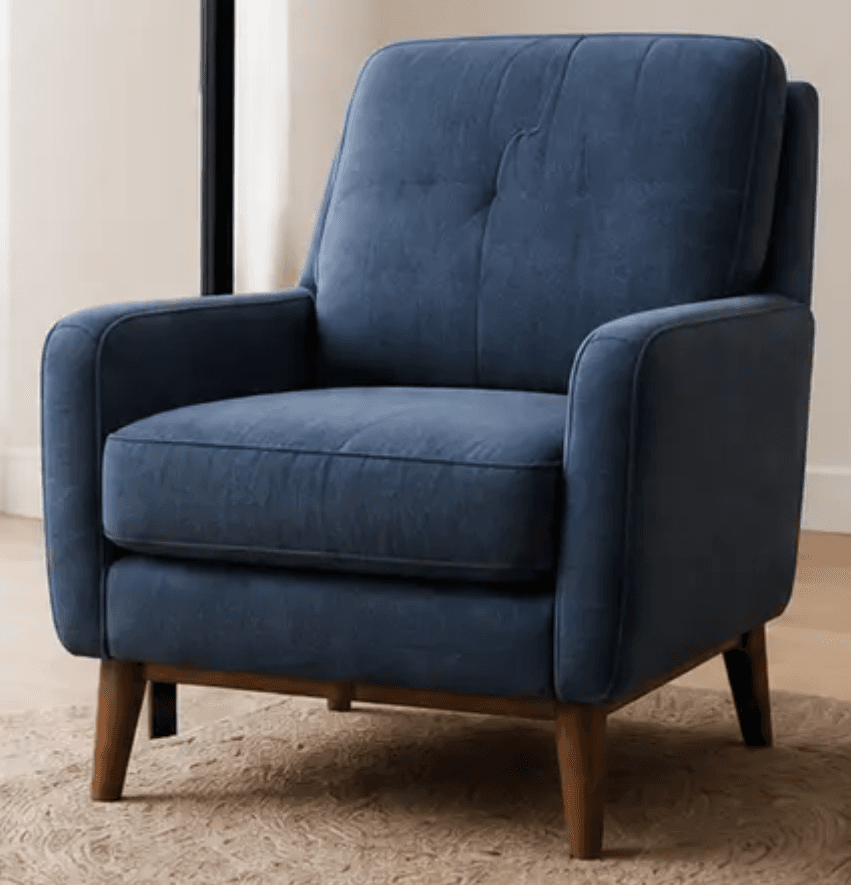
A furniture product photo used as input for a 3D model

Practical input guidance

A stronger product photo makes a stronger starting point

The model is guided by the product information that is visible in your image. Clear source material helps your team assess the result with confidence.

  • Use a clear, well-lit photo with the product fully visible.
  • Choose a representative angle that shows the front and one side where practical.
  • Keep obstructions, heavy blur, labels, and busy backgrounds to a minimum.
  • Use the real product dimensions so AR can be prepared at the intended scale.

Usable assets, not a black box

Preview the 3D result before you publish it

Use private preview to inspect the model, then move to the customer-facing workflows that fit your catalog: web 3D, supported AR, GLB and USDZ downloads, sharing, QR codes, and Shopify integration where supported.

Who this is for

Furniture retailers
Ecommerce catalog teams
Manufacturers
Shopify furniture sellers

SpaceCheck is built for furniture and product visualization. It is not a CAD, manufacturing, or physical-scanning workflow.

Common questions

Using a furniture photo to create a 3D model

Can I create a furniture 3D model from one photo?

A clear single product photo can be used to create a 3D preview. A three-quarter view that shows the front and one side generally gives the model more useful visual information than a straight-on image.

How does SpaceCheck handle real-world furniture size?

You provide the product’s real Length × Height × Depth. Those supplied measurements are used to prepare the model for true-scale AR rather than estimating physical size from the photograph.

What can I do with the generated 3D model?

You can review the model privately, then use supported GLB and USDZ workflows for web 3D and AR. Unlocked models can also support sharing, QR-code, and Shopify workflows where available.

Will every photo create a perfect model?

No. The result is AI-generated from the visible product information in the supplied image. Hidden areas and fine material details may be estimated, so reviewing the model before publishing is important.

Ready when your product photo is

Start with one furniture image and real dimensions

Create a private 3D preview, review the result, and decide when it is ready for your product experience.

Create your first model